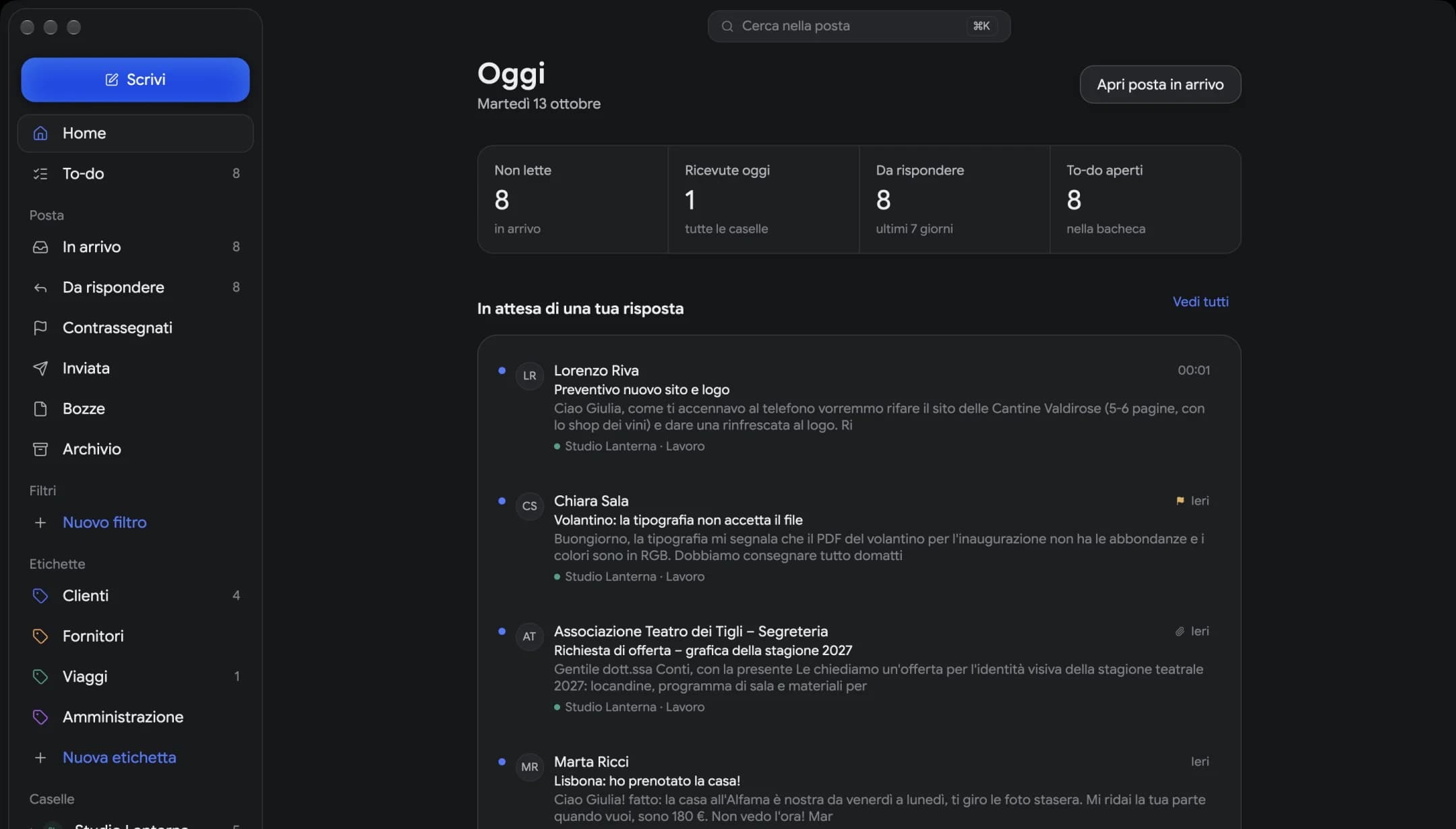
Every mailbox, one list
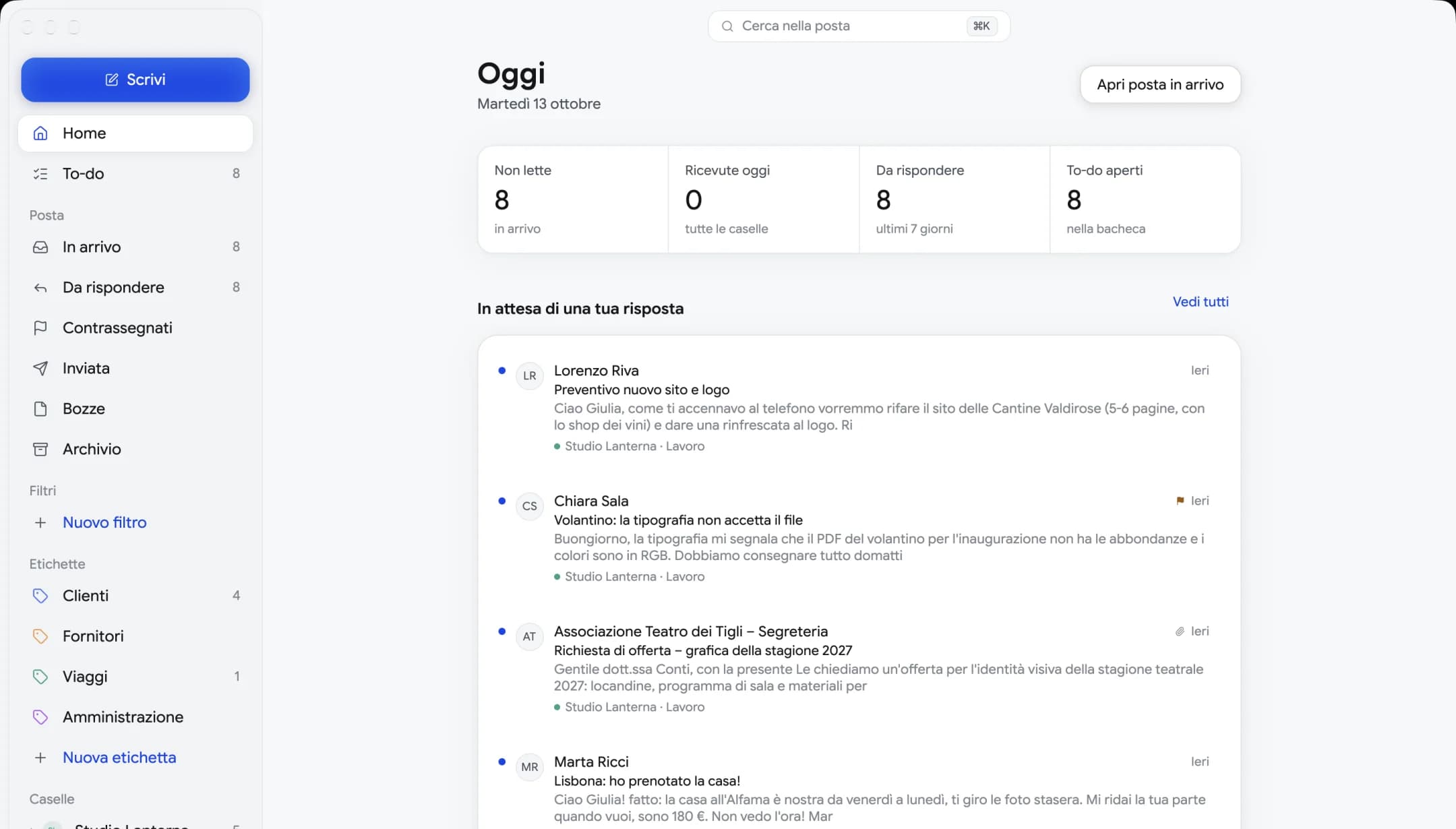
Work, personal, the online shop: your email lands in one place, each message in its mailbox's color.
Mailfolk brings your mailboxes together, hands you sign-in codes the moment they arrive and turns requests into to-dos. Pay once, and it's yours.
Works with the email you already have, and with any IMAP mailbox
What it does
No endless panels, no hidden settings. The things you use every day, done well.
Work, personal, the online shop: your email lands in one place, each message in its mailbox's color.
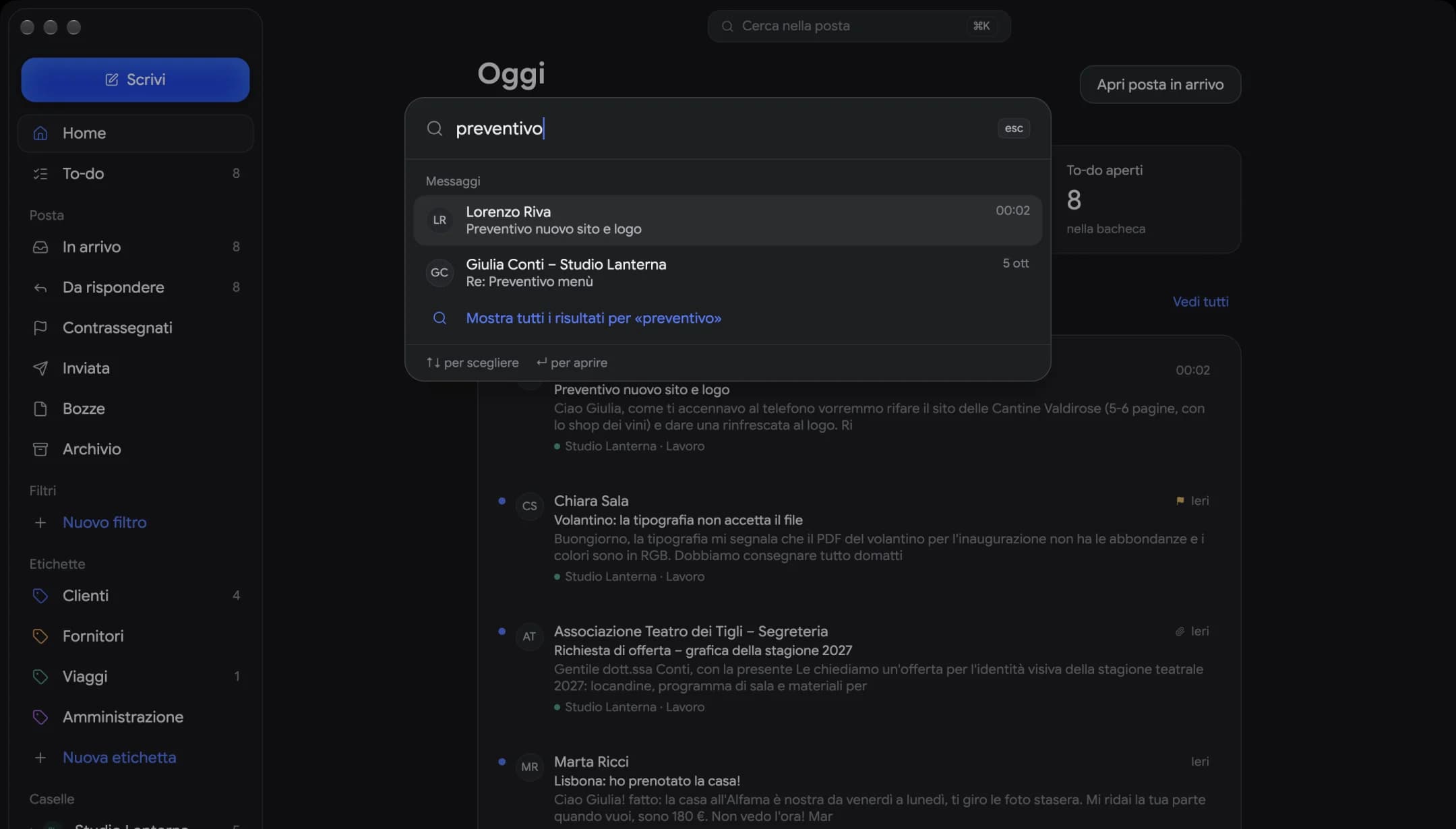
Search every mailbox instantly, even offline. On Windows it's Ctrl+K.
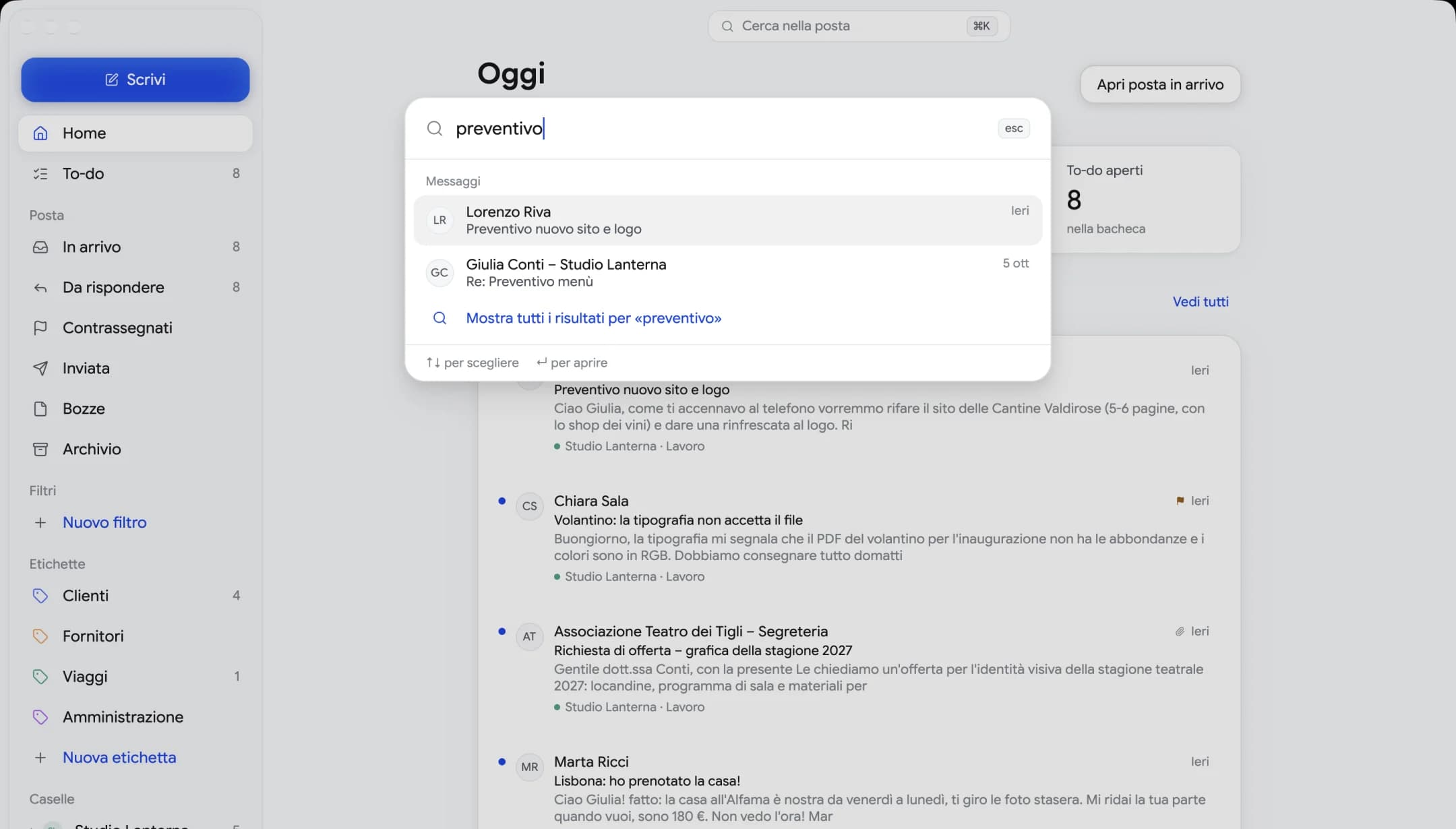
Your email and the search index are stored locally. Passwords live in the system keychain.
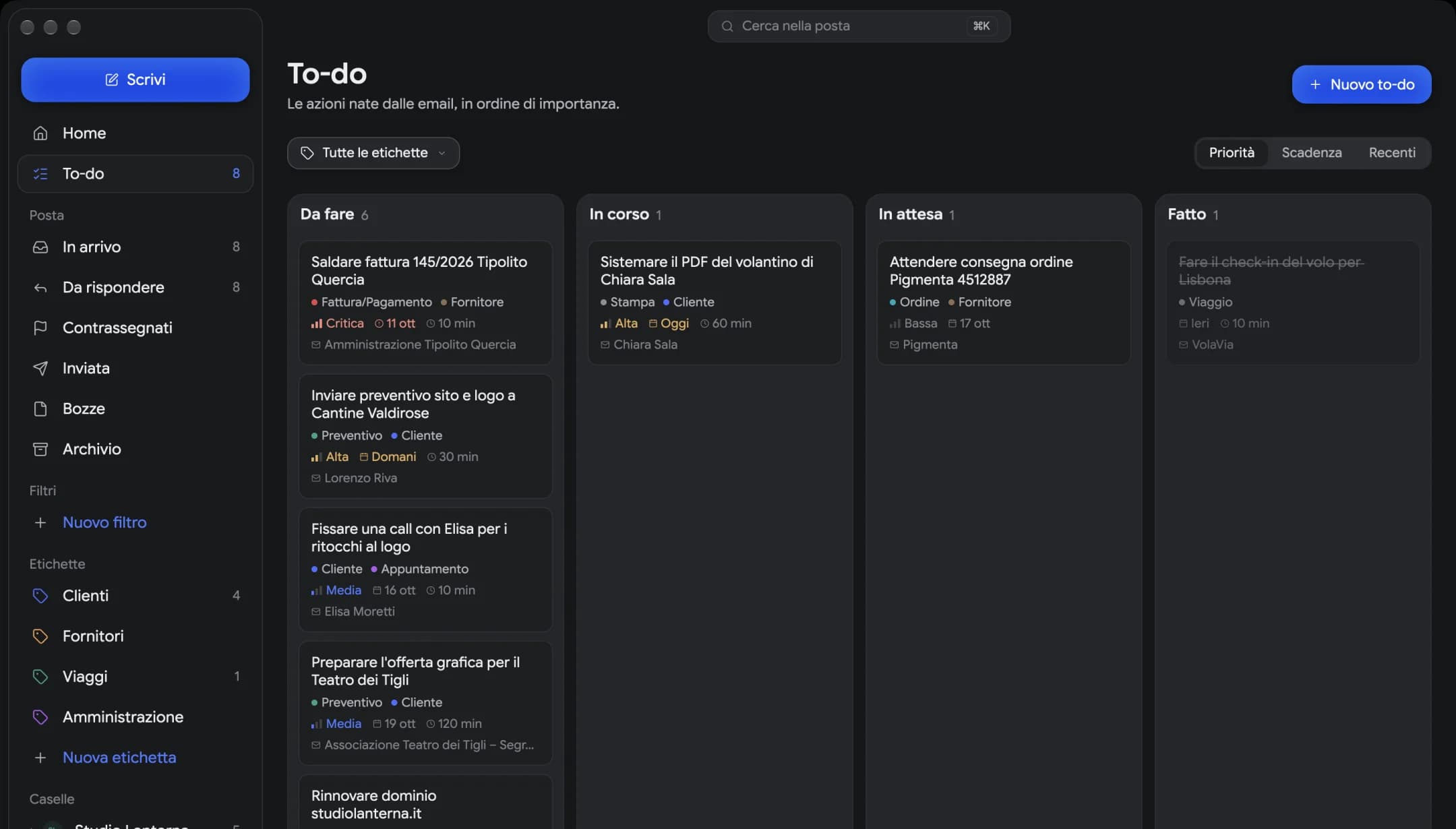
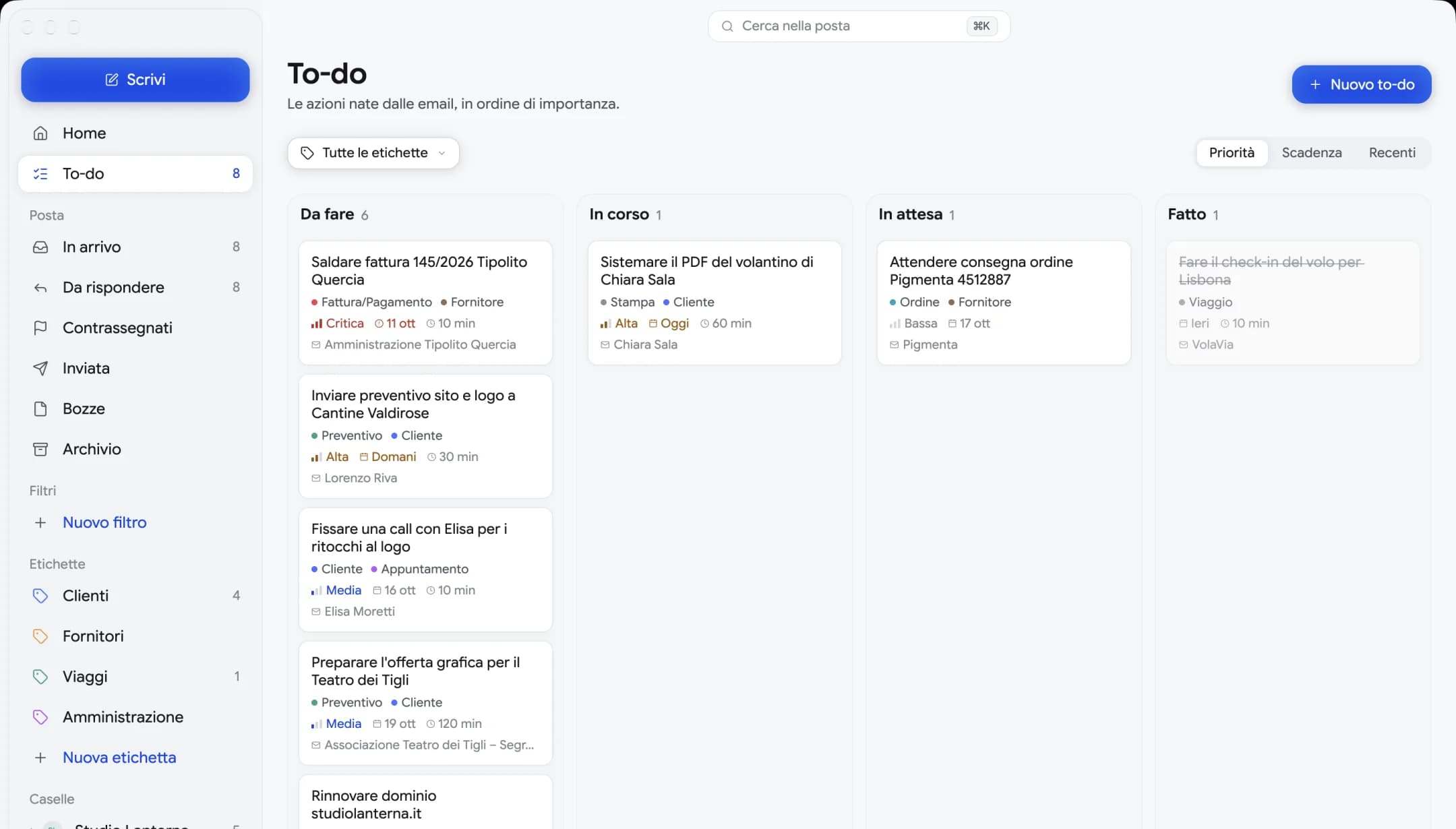
Requests become tasks, with a priority and a due date. And it tells you why something is urgent.
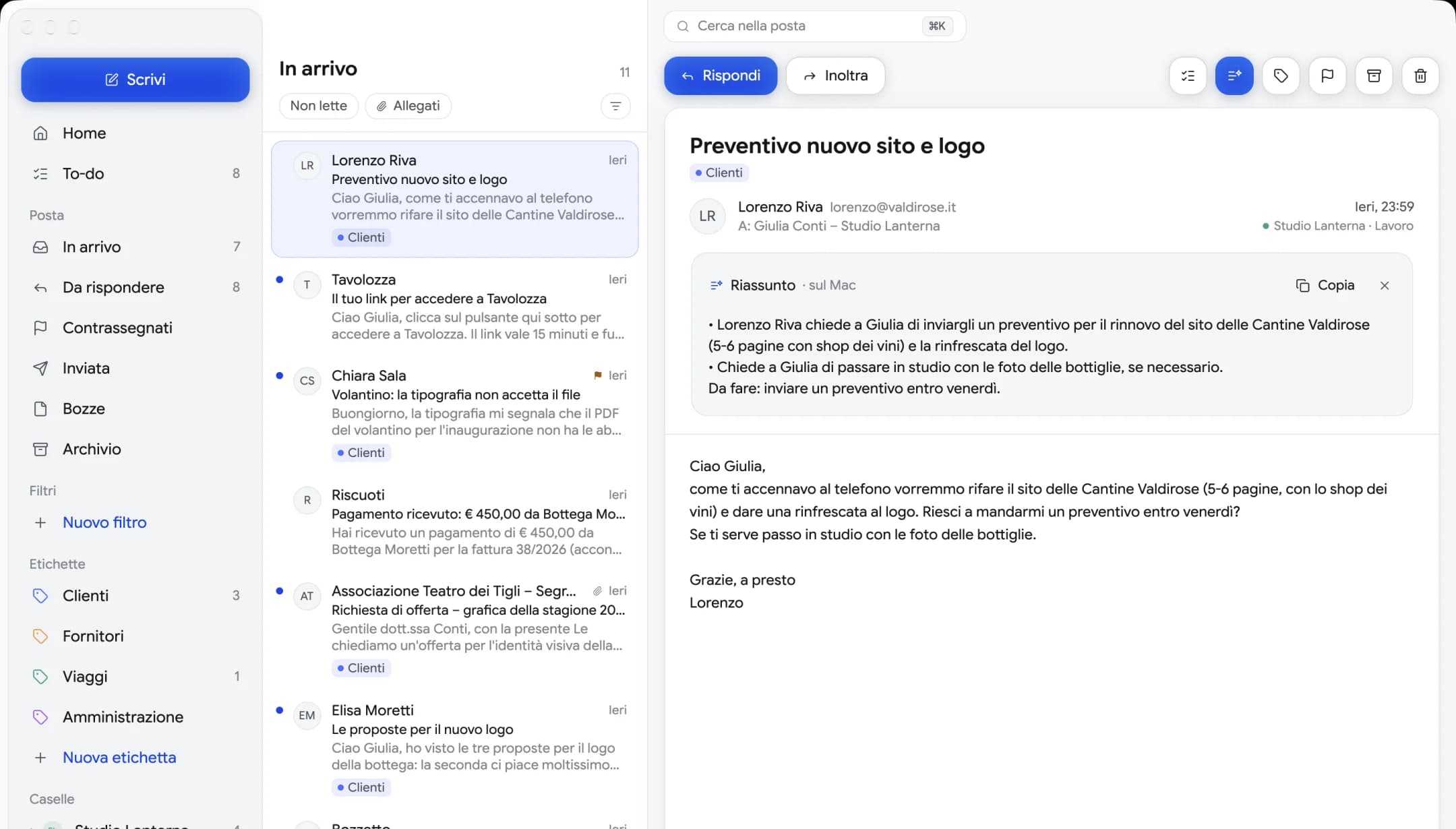
AI on your computer
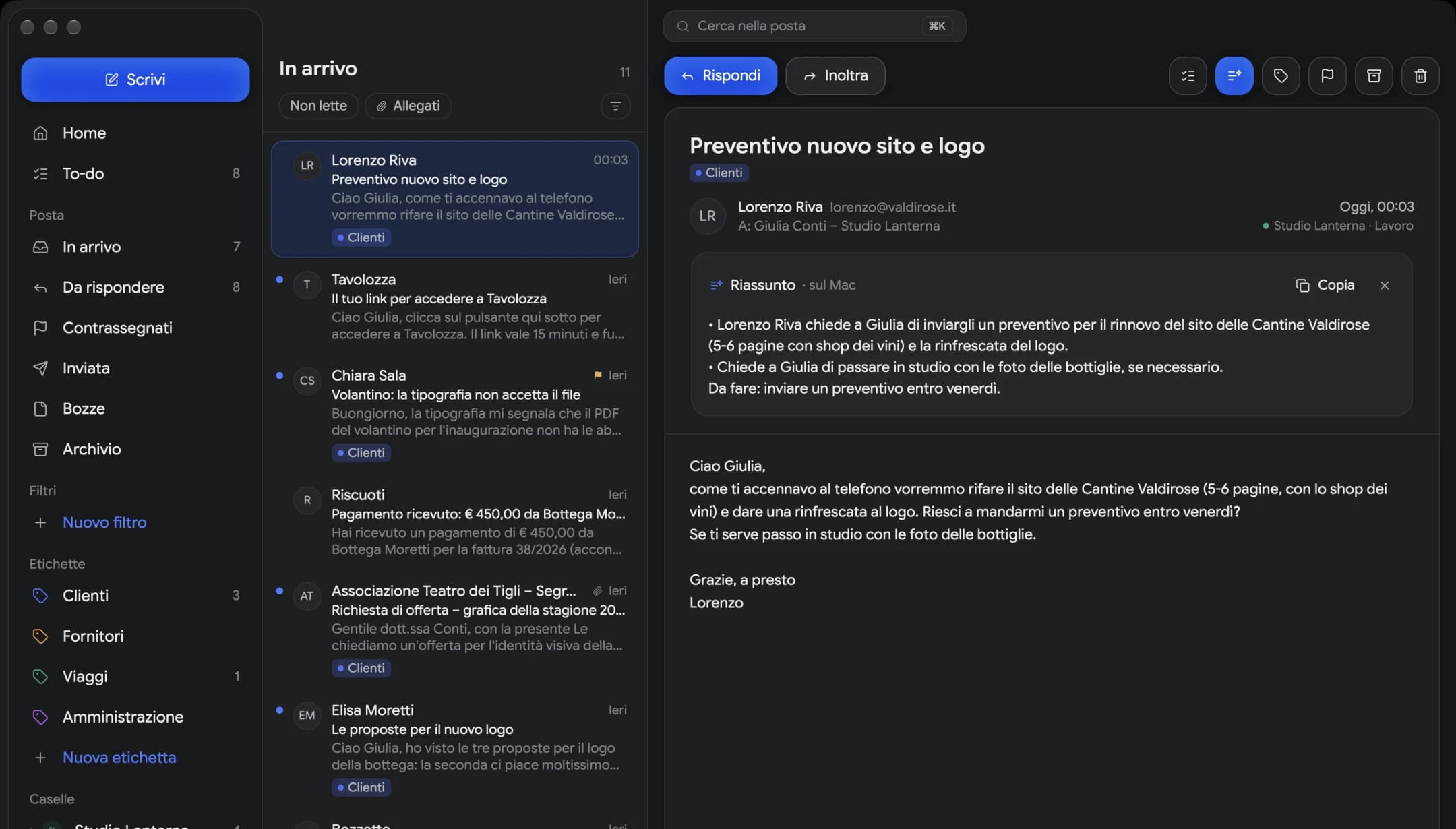
Press Summarize and a model running on your computer tells you what the sender is asking and what you need to do. Your email never leaves the computer.
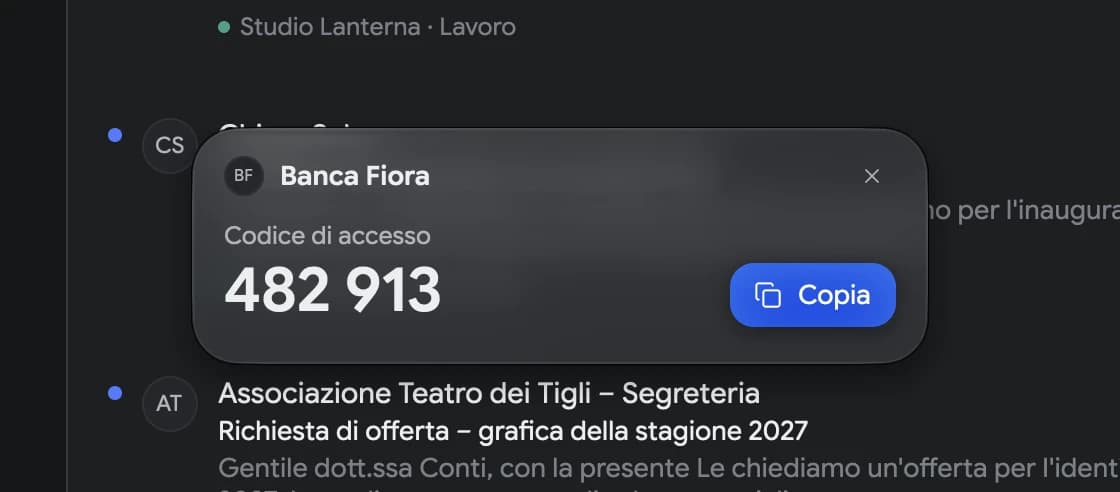
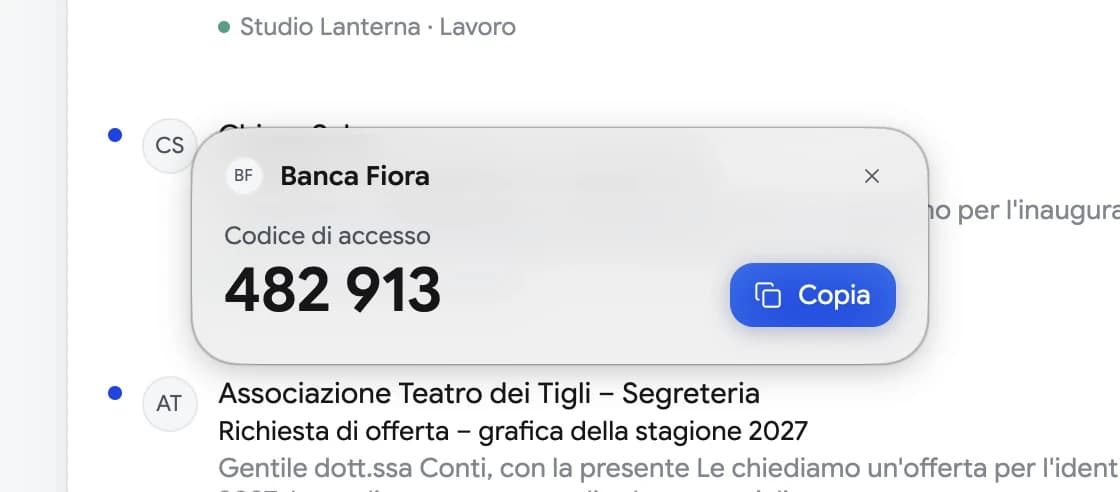
Sign-in codes and links
When a site sends you a sign-in code or link, Mailfolk shows it right in front of you, above your other windows. Click Copy and paste it where you need it.
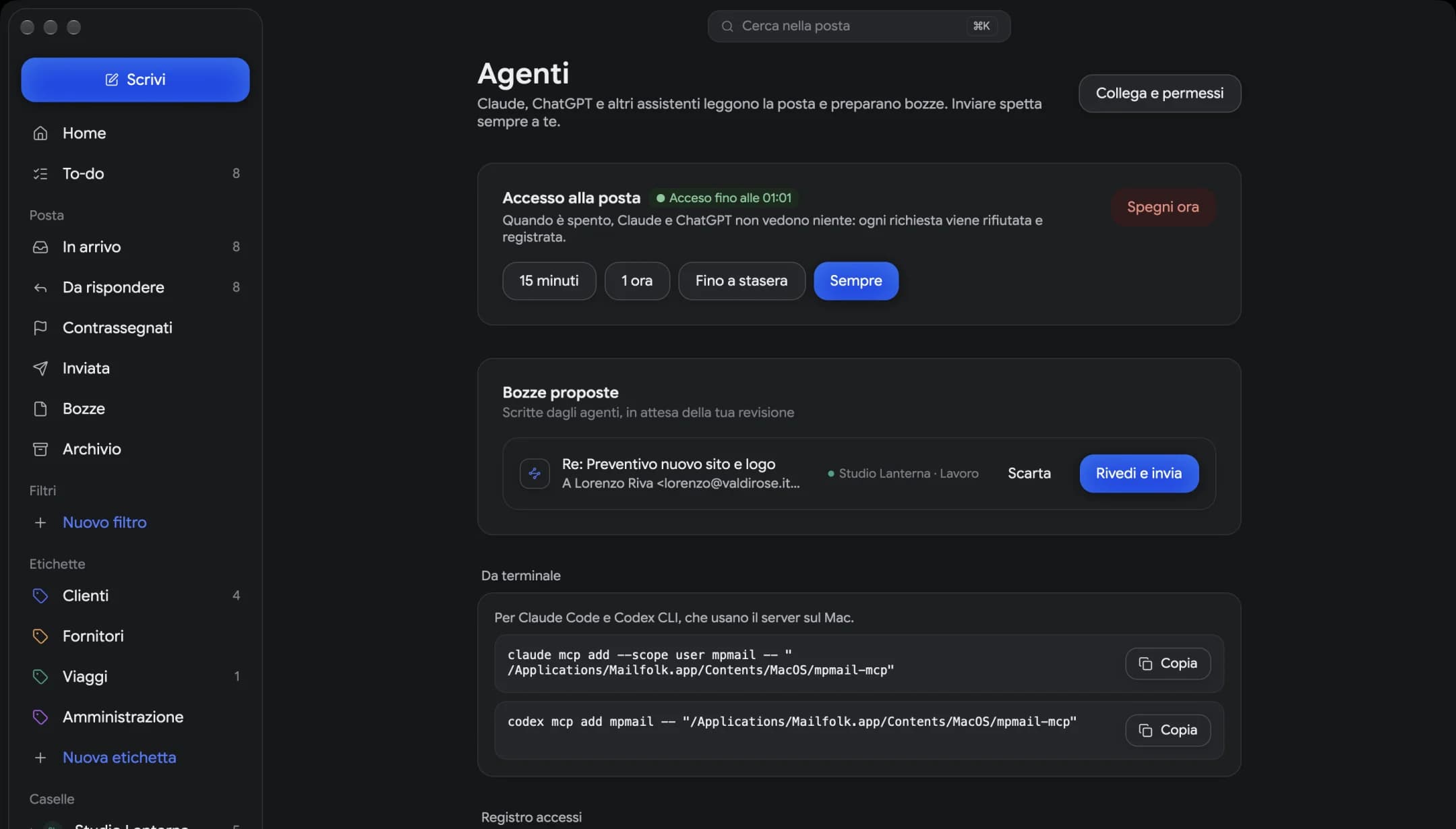
Claude, ChatGPT and MCP
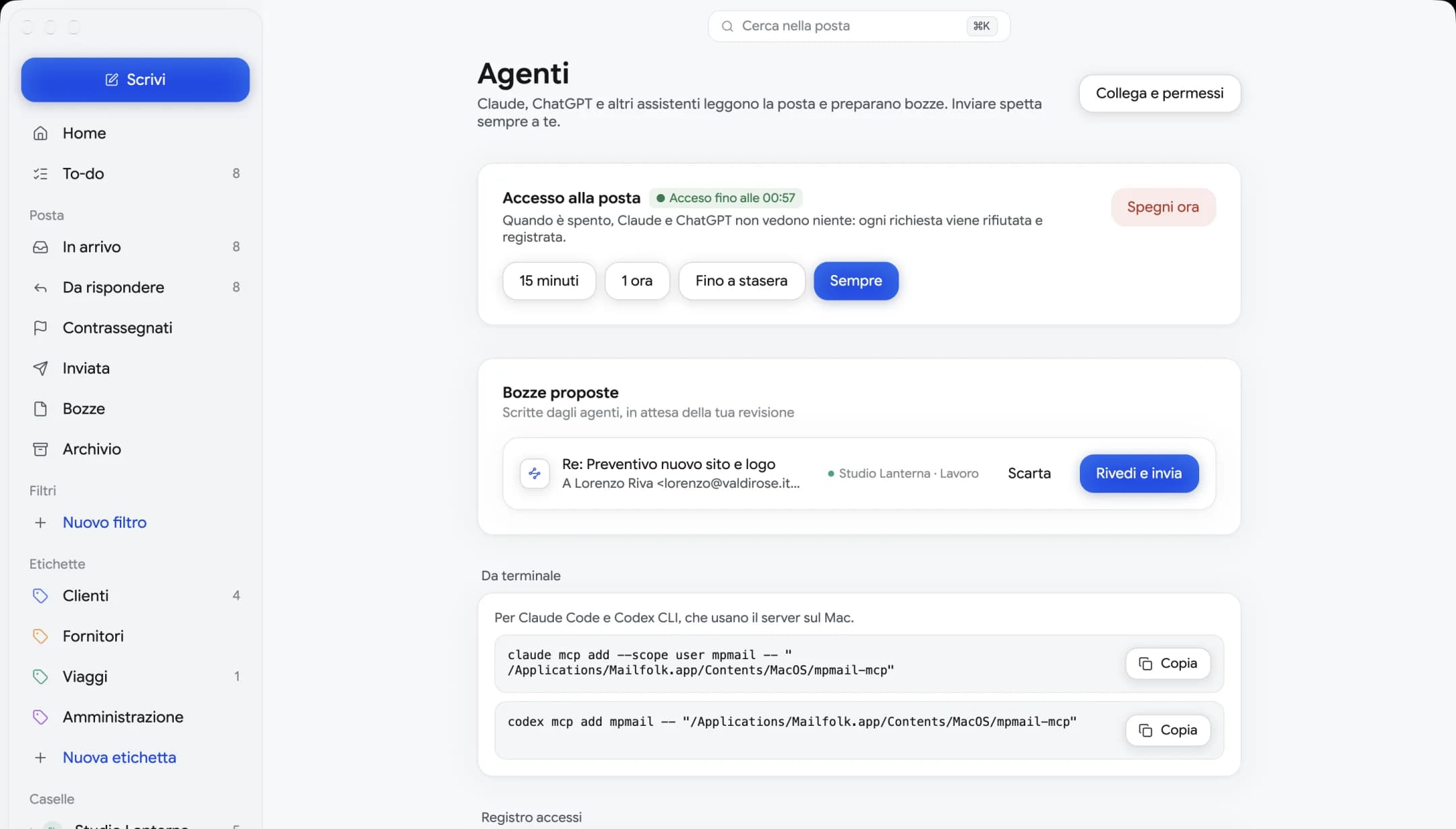
Mailfolk has a built-in MCP server. Connect it to Claude or ChatGPT and, while access is on, they can search your email, read it and draft replies. Sending stays with you, and every request goes into the log.
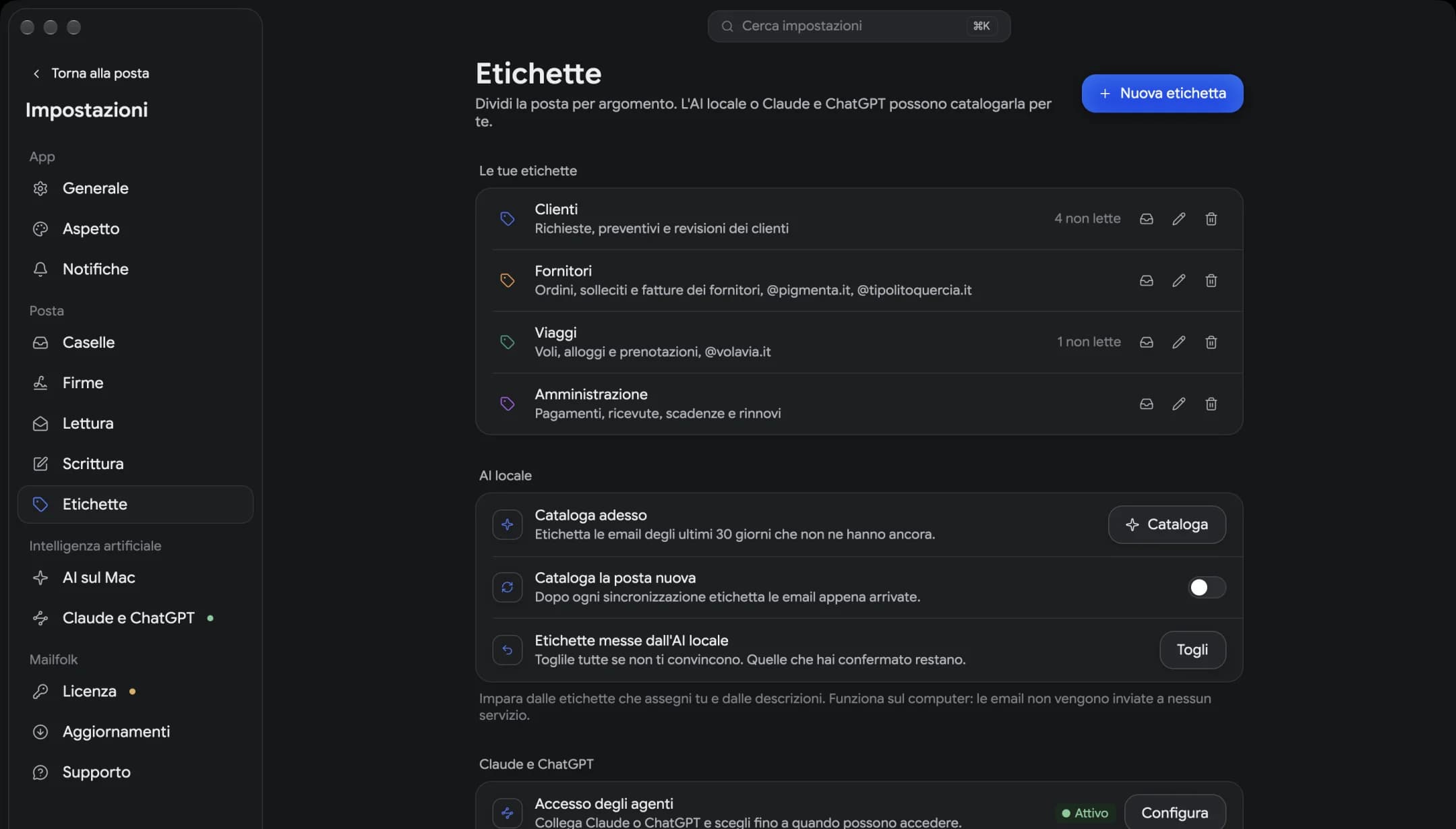
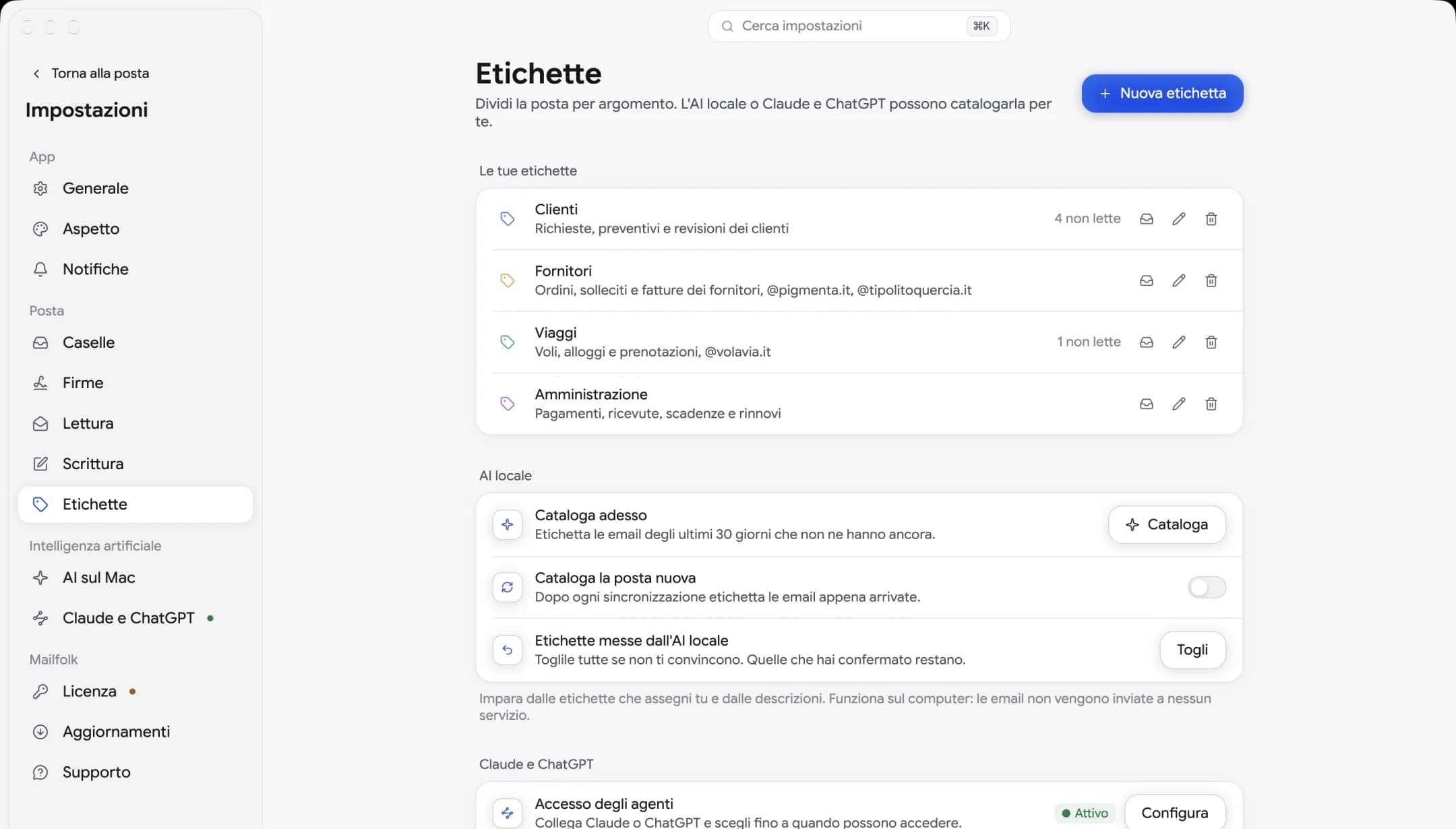
Labels
Create the labels you need, give a few examples and Mailfolk catalogs new email. It learns on your computer, without sending anything to anyone.
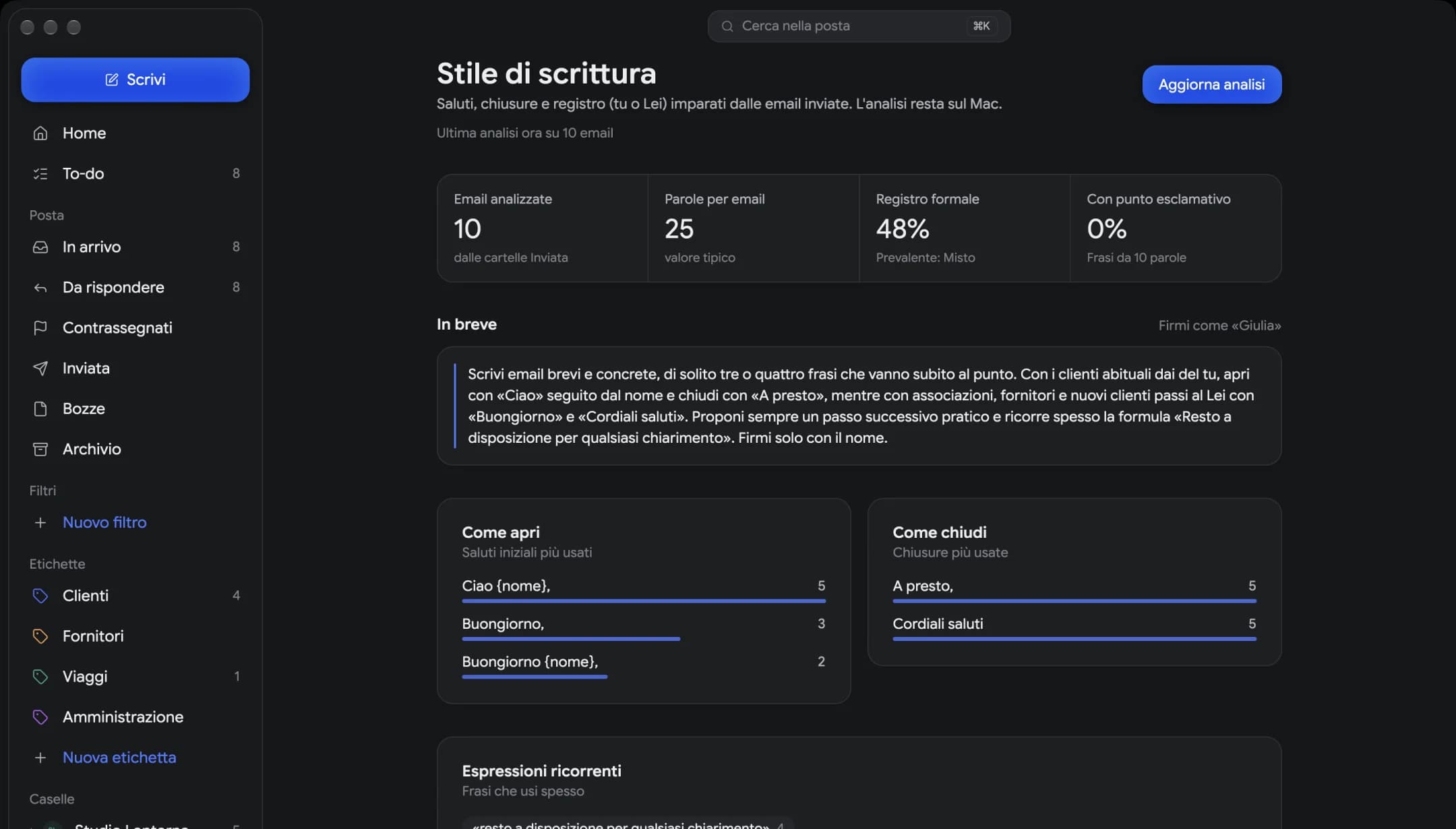
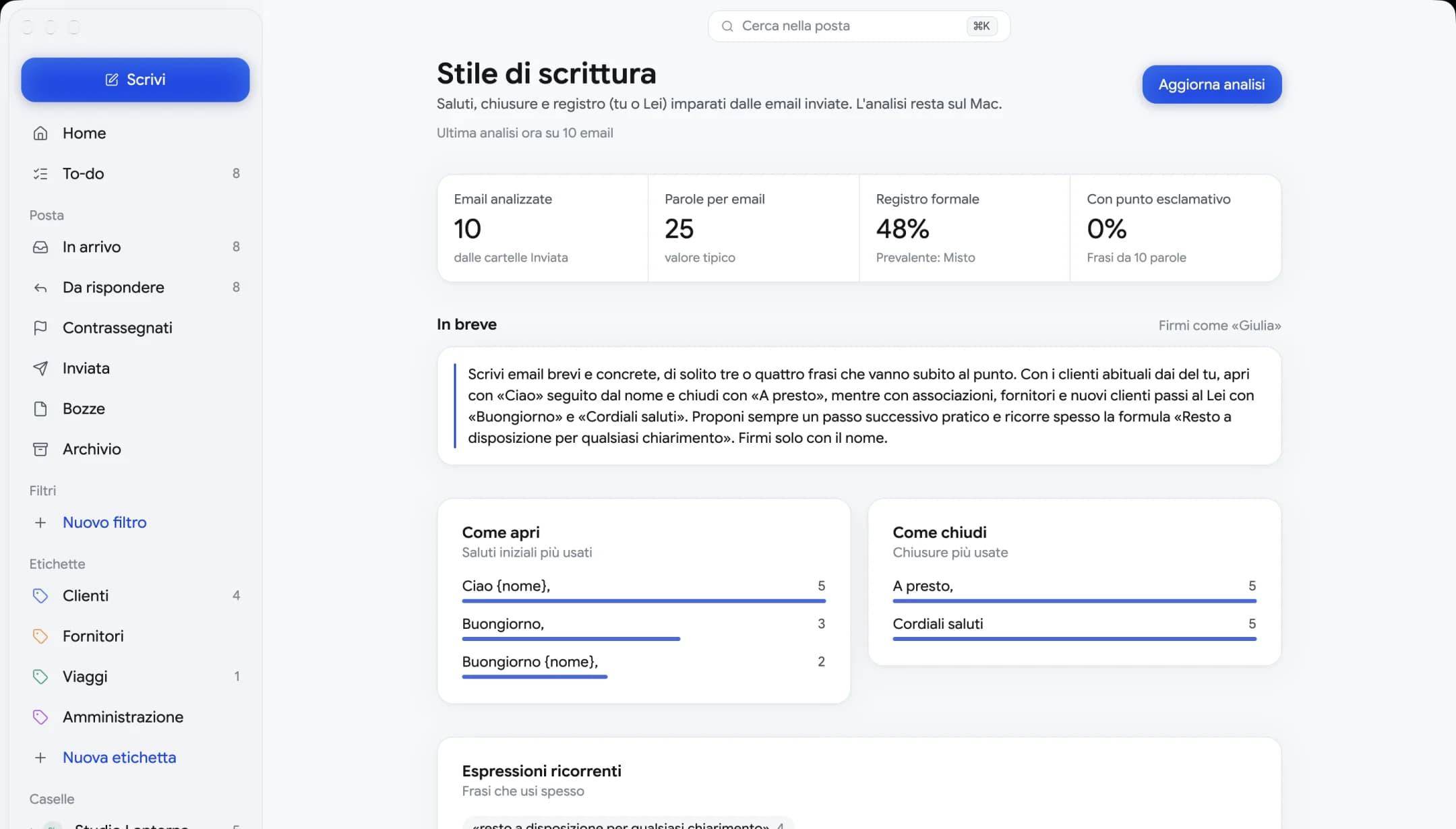
Writing Style
It reads the emails you've sent and measures how you open, how you sign off, how much you write and who you're on first-name terms with. That's what lets an assistant write drafts that sound like you.
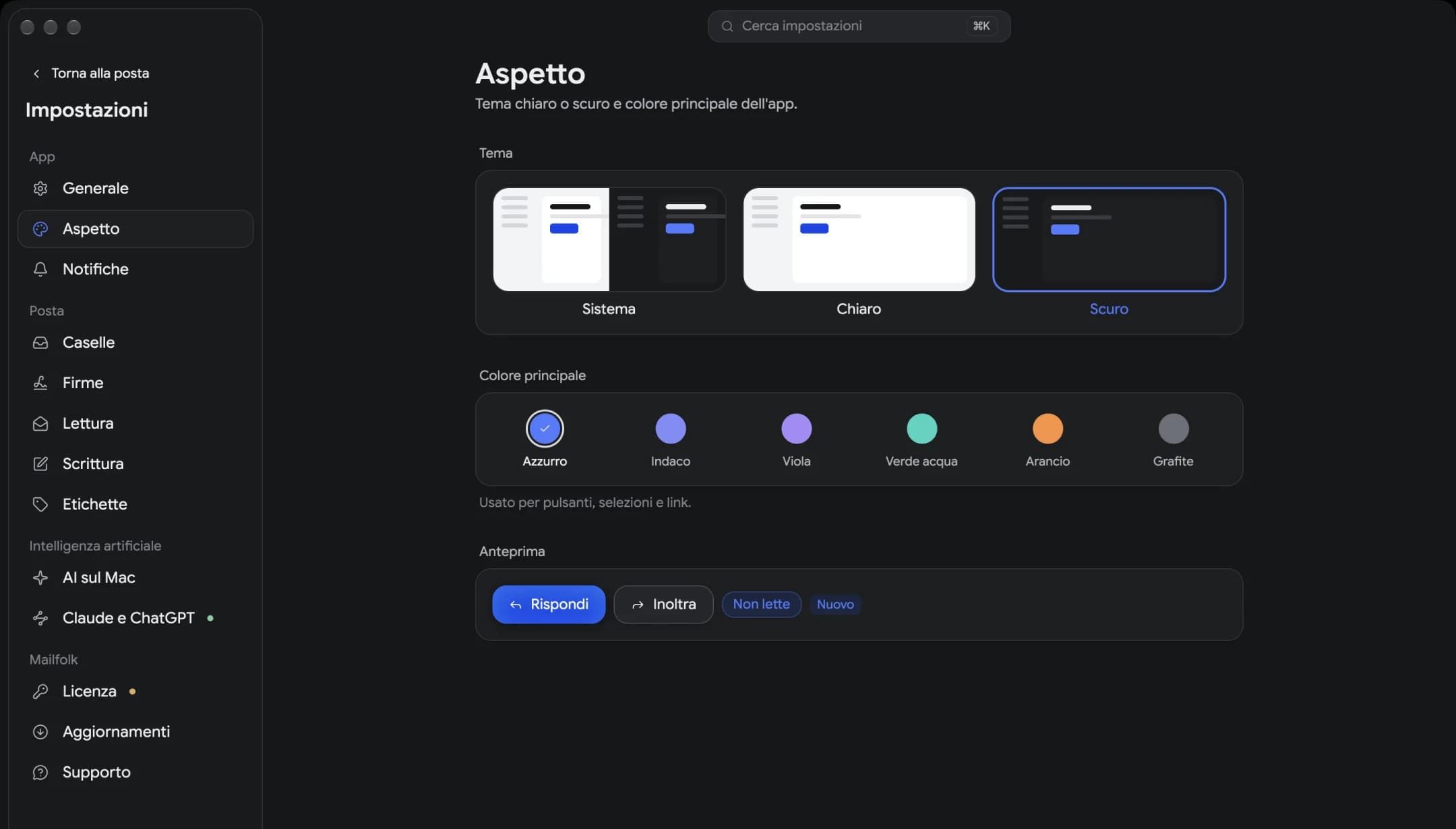
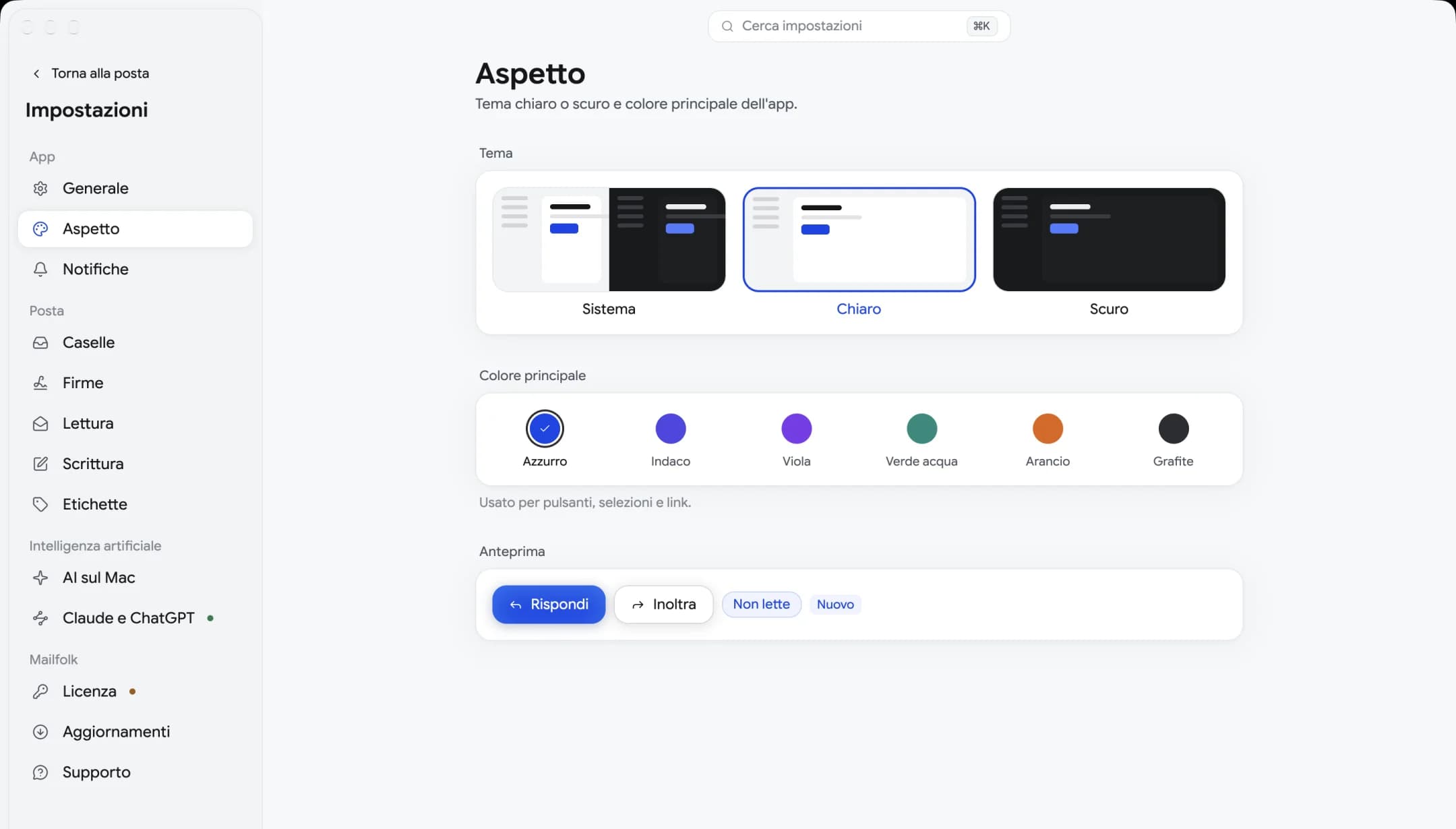
Appearance
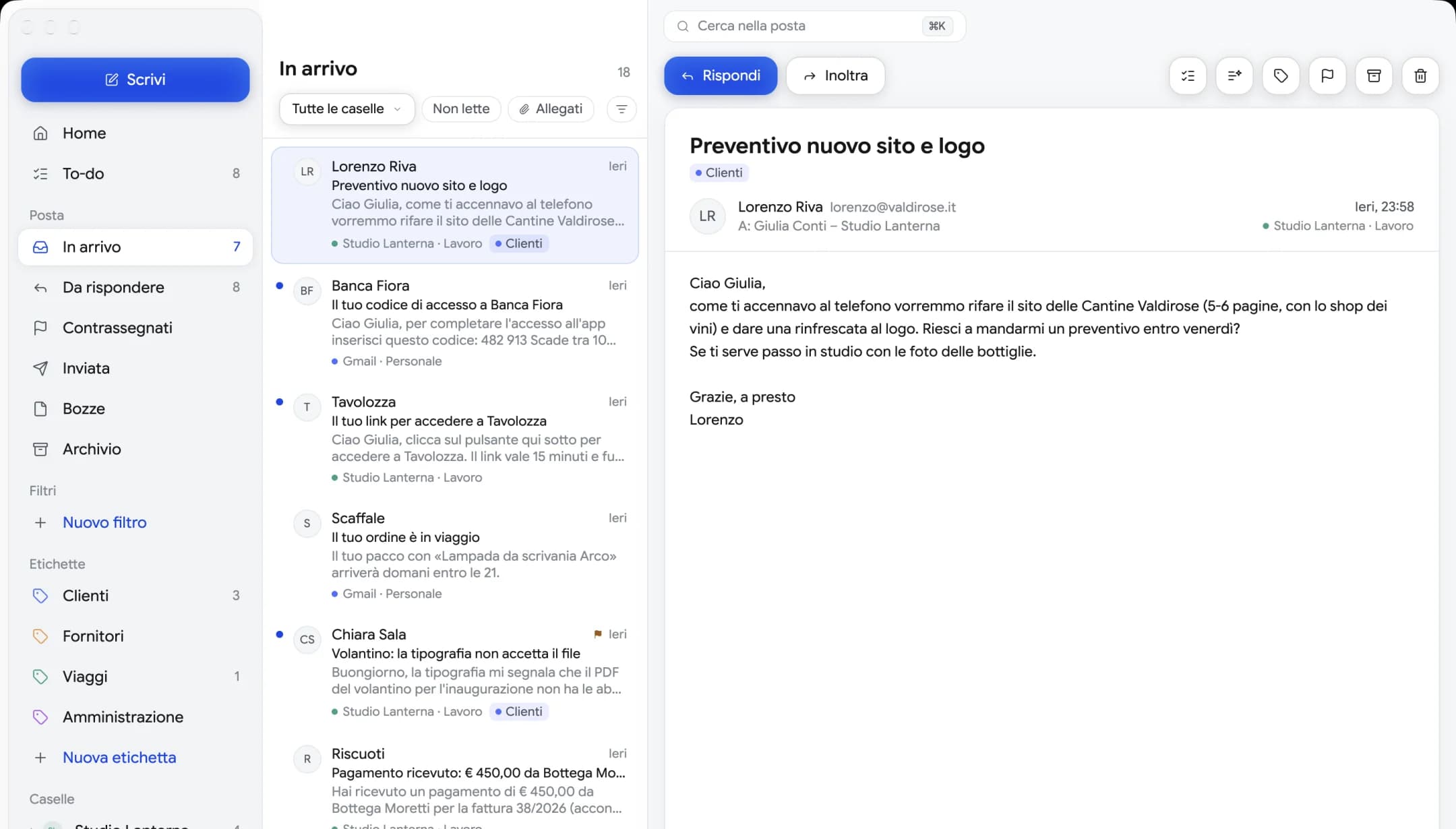
Follow the system theme or pick your own. Six main colors, to make it feel like home.
Take a tour
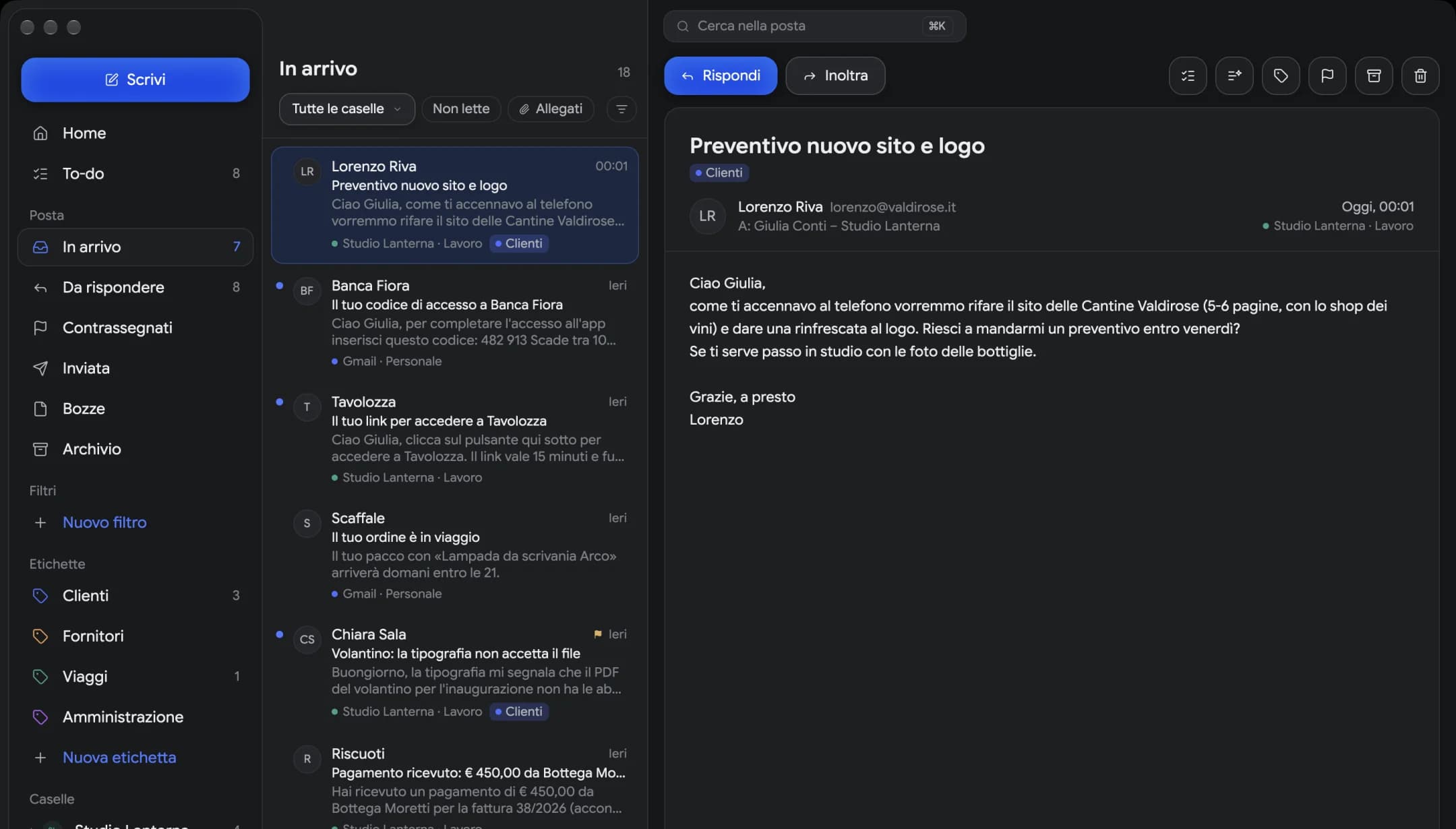
Every screen is the real one, in the theme you're using right now.
All your mailboxes together, with filters, labels and search always at hand. Reply and forward in one click.
€19 at launch instead of €49
Mailfolklifetime license
€19once
VAT included
Launch price for the first 100 licenses
100 licenses left before the price goes up to €25
Full refund within 30 days. Not that you'll need it.
Even one Mac and one Windows PC, like your office desktop and your laptop. If you change computers, you move the license.
Every new version is included. No renewals, no subscription, and as many mailboxes as you like.
Summaries come from a model running on your computer: no credits, no cloud services to pay for.
Questions
Can't find yours? Write to us at hello@mailfolk.email and a real person will answer.
Yes. You buy the license and the app is yours, with every update forever and no renewals.
The first licenses cost less, to reward the people who trust us early: at launch it starts at €19 and, each time a tier sells out, the price goes up, until it reaches €49. If you've already bought, you pay nothing more.
Two at the same time, even one Mac and one Windows PC: say, your office desktop and your laptop. If you change computers, activate the license on the new one and Mailfolk asks you to unlink the old one.
If your mailbox uses IMAP and SMTP, yes: Gmail, iCloud, Yahoo, Zoho, GMX, Hostinger, Aruba and almost every provider. Proton Mail works through Proton Mail Bridge. Gmail, iCloud and Yahoo need an app password, and we walk you through it. Outlook and Microsoft 365 will follow with sign-in through a Microsoft account.
On your computer. Your email and search stay local, and passwords live in the system keychain. We never see your email.
Summaries come from a model running on your computer (Qwen3 4B, about 2.5 GB): you download it only if you want to, and your email doesn't go anywhere. Claude or ChatGPT, on the other hand, see your email only if you give them access, for 15 minutes, an hour or until tonight. They can draft replies, but sending is always up to you, and every request goes into the log.
It's coming. The first release is for Mac and Windows, then it's Linux's turn.
Yes, for iPhone and Android. We'll let you know as soon as it's ready.

Download it, add your first mailbox and see the difference. It takes a minute.
Mac with Apple silicon · Windows 10 and 11