
Aruba
Aruba email, on Mac and Windows.
Mailfolk already knows the servers of Aruba, the Italian hosting provider: choose Aruba, type your address and password and the mailbox is connected. Below are the steps and the IMAP and SMTP settings, in case you want to check them or use them in another app.
Download Mailfolk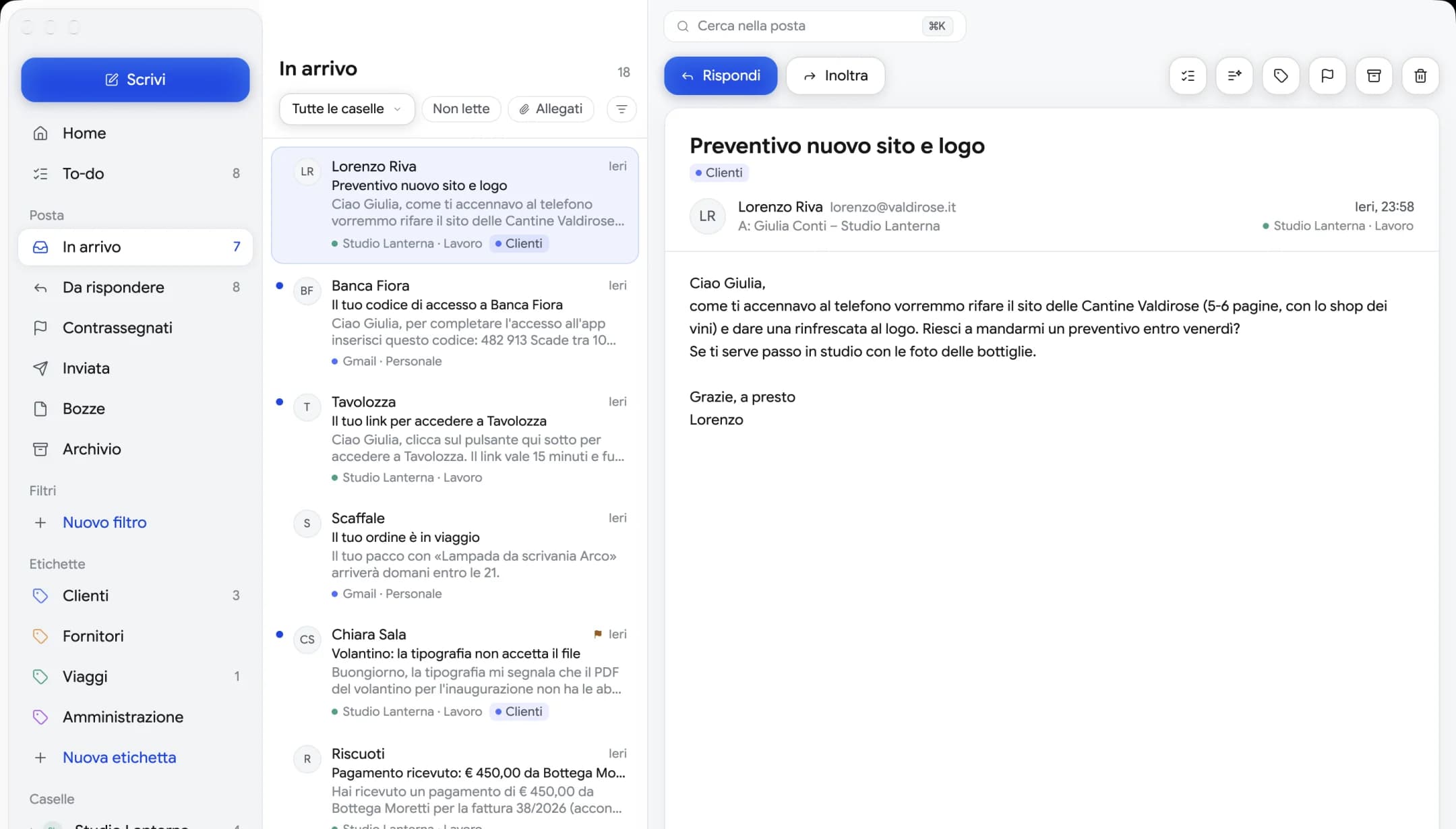
Connect an Aruba mailbox
- Download Mailfolk and open it. On first launch it offers to connect a mailbox right away; later you add one from Settings › Mailboxes, with “Add Mailbox”.
- Choose Aruba in the list of services. For a certified mailbox there is a separate entry, Aruba PEC.
- Type the full address, for example info@yourdomain.it, and the mailbox password: the one you use in Aruba's webmail.
- Press “Verify and Connect”. Mailfolk tries signing in to Aruba's servers and, if that works, downloads your email with the folders you already have.
Aruba IMAP and SMTP servers
These are the servers Aruba publishes for mailboxes on the domains it hosts. Mailfolk fills them in for you; they work in any other email client too.
| Server | Port | Security | |
|---|---|---|---|
| Incoming mail (IMAP) | imaps.aruba.it | 993 | SSL/TLS |
| Outgoing mail (SMTP) | smtps.aruba.it | 465 | SSL/TLS |
| Username | the full email address | ||
| Password | the mailbox password | ||
Aruba Business
If the mailbox was bought through Aruba Business, usually from a reseller or whoever looks after your website, the servers are not the ones above. In Mailfolk choose Aruba Business, which already has them set; address and password are still those of the mailbox.
| Server | Port | Security | |
|---|---|---|---|
| Incoming mail (IMAP) | in.postassl.it | 993 | SSL/TLS |
| Outgoing mail (SMTP) | out.postassl.it | 465 | SSL/TLS |
Aruba PEC
PEC, Italy's certified email, uses different servers and has its own entry in Mailfolk. Address and password are those of the PEC mailbox.
| Server | Port | Security | |
|---|---|---|---|
| Incoming mail (IMAP) | imaps.pec.aruba.it | 993 | SSL/TLS |
| Outgoing mail (SMTP) | smtps.pec.aruba.it | 465 | SSL/TLS |
Aruba next to your other mailboxes
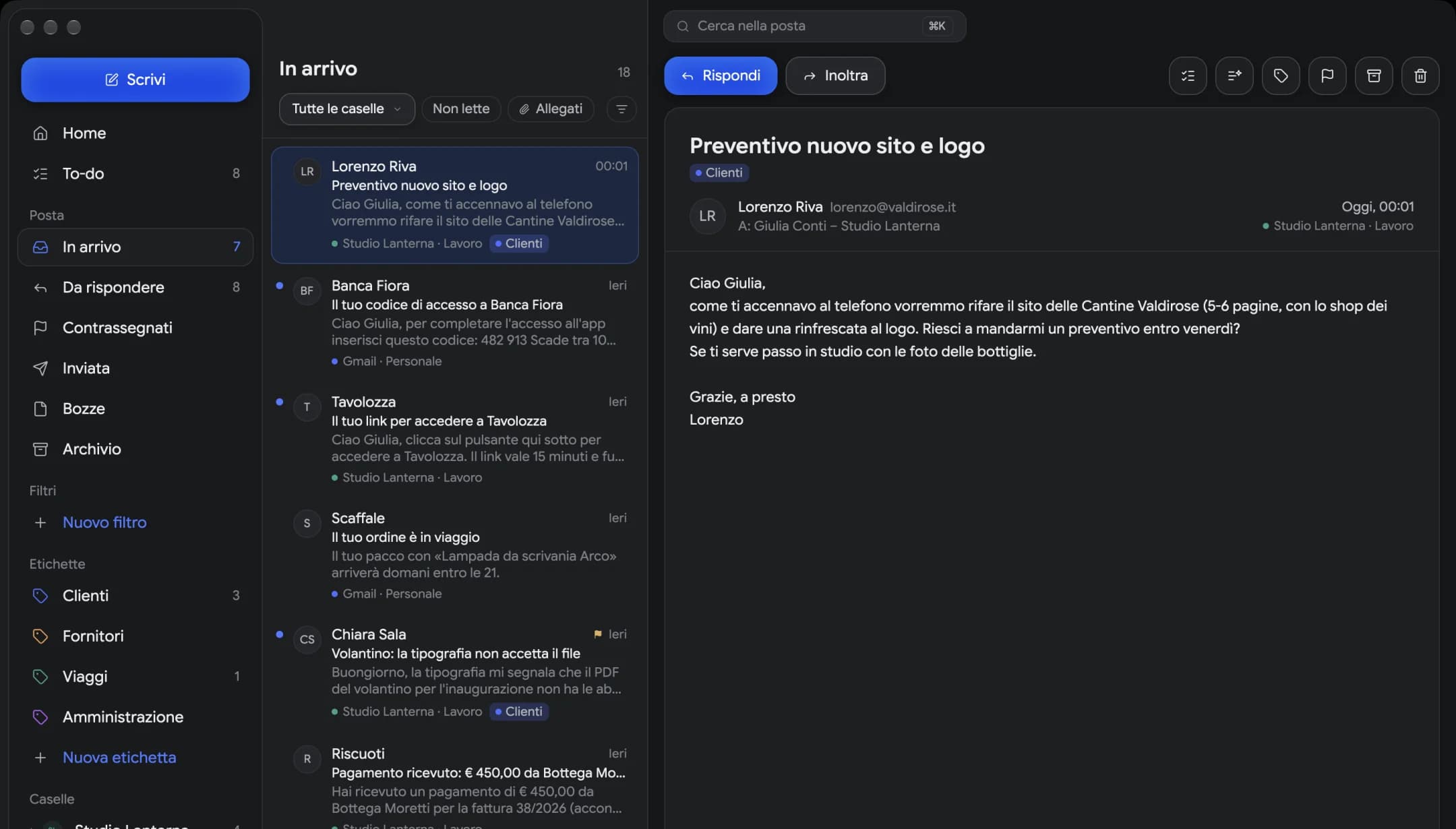
If you have several Aruba mailboxes, or one on Aruba and one on Gmail, Mailfolk puts them in the same list, each with its own color. Search with ⌘K (Ctrl+K on Windows) looks through all of them, even offline. Your email stays on your computer and the password in the system keychain: neither passes through our servers.
You pay for Mailfolk once: €19, no subscription, on two computers.
Questions about Aruba
What are Aruba's IMAP and SMTP servers?
Incoming mail: imaps.aruba.it, port 993, with SSL/TLS. Outgoing mail: smtps.aruba.it, port 465, with SSL/TLS. The username is the full email address.
Why won't my Aruba mailbox connect?
If the password is right but sign-in is refused, the mailbox may be on Aruba Business, which uses other servers: in.postassl.it (port 993) for incoming mail and out.postassl.it (port 465) for outgoing mail, with SSL/TLS. In Mailfolk choose Aruba Business, which already has them set.
Can I connect more than one Aruba mailbox?
Yes, as many as you like. Each has its own color and they all arrive in the same list.
Does my email stay on Aruba as well?
Yes. Mailfolk uses IMAP: messages stay on Aruba's server and you still find them in the webmail and on your other devices. On your computer Mailfolk keeps a copy, so you can read and search them offline.
Does Mailfolk work with Aruba PEC?
Yes. The list of services has an Aruba PEC entry, with the servers imaps.pec.aruba.it (port 993) and smtps.pec.aruba.it (port 465).
Last updated: